- Posts: 303
- Thank you received: 20


Based in the Thompson / Okanagan region of beautiful British Columbia
Associated with:
 |
 |
MOACharter CLUB #186
Here is the place for everything that doesn´t fit in the other catagories.
Out and about on day rides
- waynecorley
-

- Offline
- Moderator
-

Less
More
6 years 3 months ago #335
by waynecorley
Replied by waynecorley on topic Out and about on day rides
OK. To insert a photo do the following:
- Click "Attachments"
- Click "Add Files"
- Browse to the photo you wish to add and click load. The photo will load and you will see a thumbnail of the photo.
- Click your mouse in the area of the message you want to insert the photo
- Below the thumbnail photo you will see "insert" - click it.
- Text will appear in the post indicating the attachment.
- When you submit the post the photo will be inserted within the text.
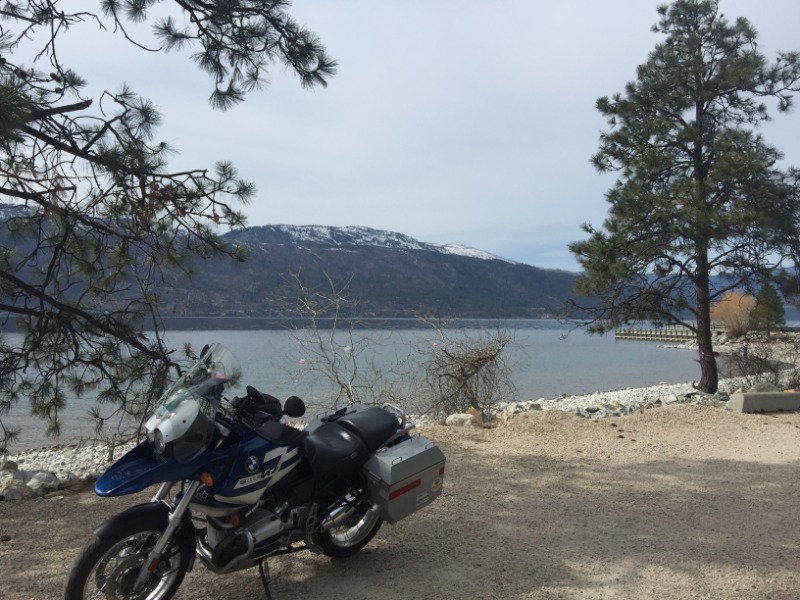
- Click "Attachments"
- Click "Add Files"
- Browse to the photo you wish to add and click load. The photo will load and you will see a thumbnail of the photo.
- Click your mouse in the area of the message you want to insert the photo
- Below the thumbnail photo you will see "insert" - click it.
- Text will appear in the post indicating the attachment.
- When you submit the post the photo will be inserted within the text.
Please Log in or Create an account to join the conversation.
- brianbrowning
-
 Topic Author
- Offline
- Elite Member
-

Less
More
- Posts: 196
- Thank you received: 4
6 years 3 months ago - 6 years 3 months ago #336
by brianbrowning
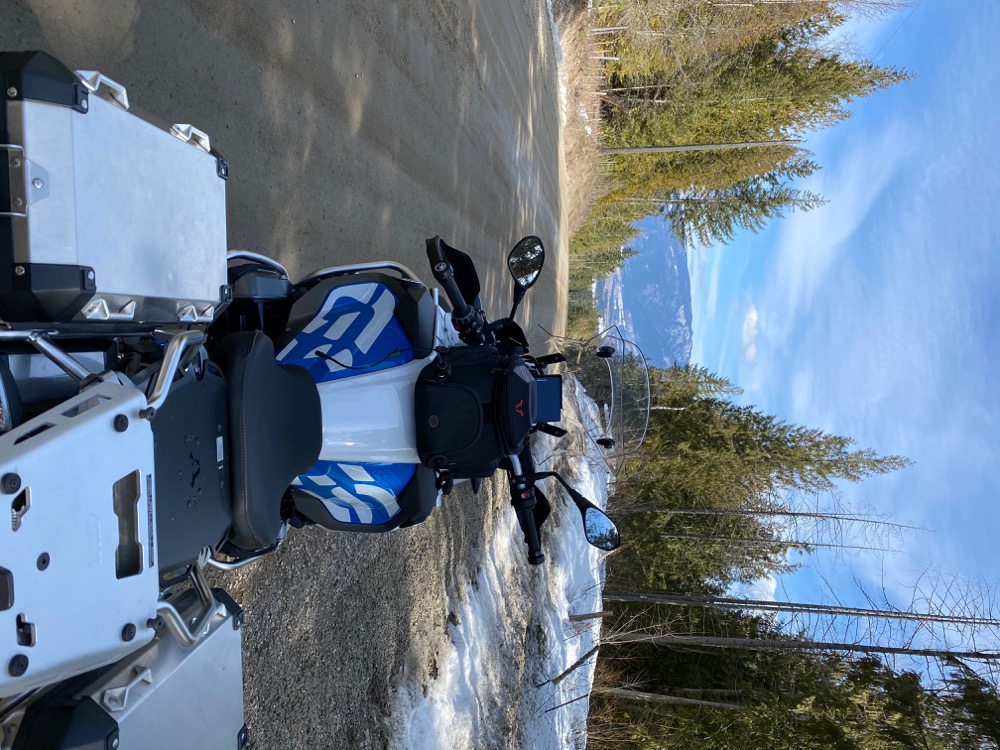
You mean like this--- DAMN
Replied by brianbrowning on topic Out and about on day rides
You mean like this--- DAMN
Last edit: 6 years 3 months ago by brianbrowning.
Please Log in or Create an account to join the conversation.
- brianbrowning
-
Topic Author
- Offline
- Elite Member
-
Less
More
- Posts: 196
- Thank you received: 4
6 years 3 months ago #337
by brianbrowning
Replied by brianbrowning on topic Out and about on day rides
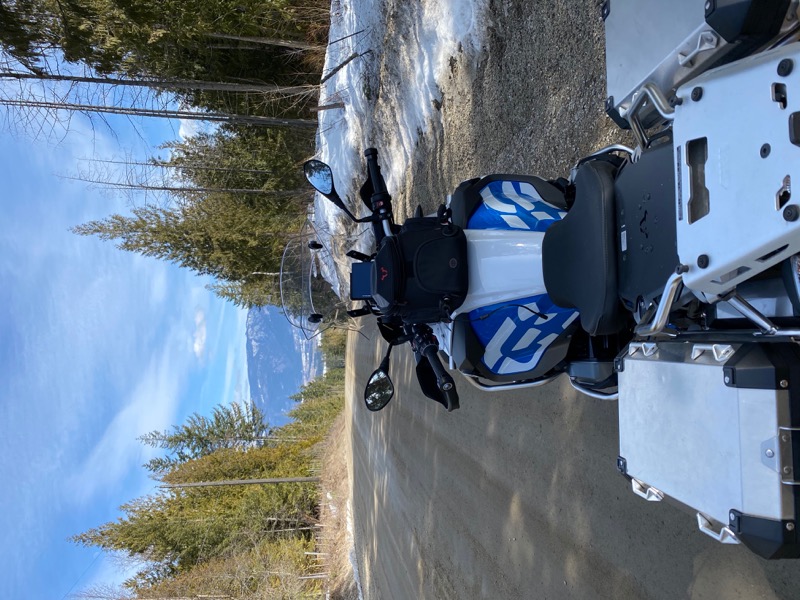
Lets try again
Please Log in or Create an account to join the conversation.
- brianbrowning
-
Topic Author
- Offline
- Elite Member
-
Less
More
- Posts: 196
- Thank you received: 4
6 years 3 months ago #338
by brianbrowning
Replied by brianbrowning on topic Out and about on day rides
Ok I give up !!!

Please Log in or Create an account to join the conversation.
- waynecorley
-
- Offline
- Moderator
-
Less
More
- Posts: 303
- Thank you received: 20
6 years 3 months ago #339
by waynecorley
Replied by waynecorley on topic Out and about on day rides
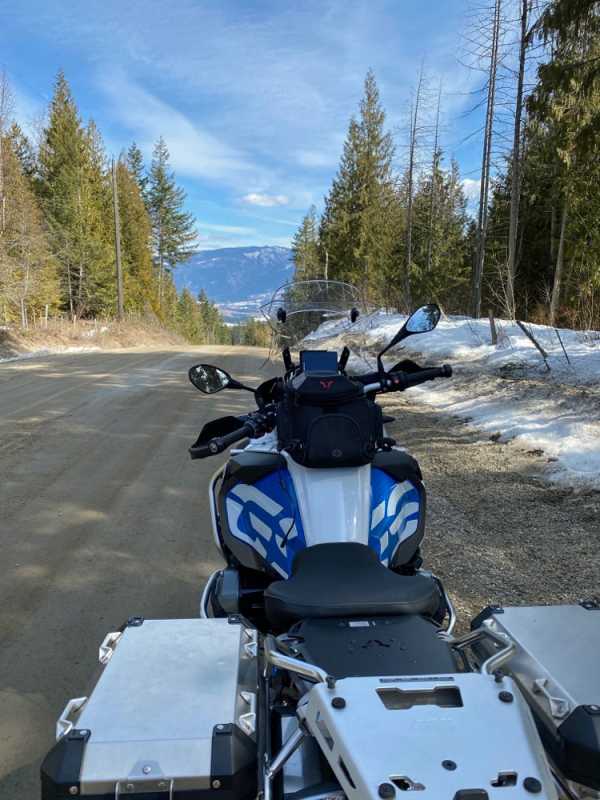
That's better. Now if we could just figure out how you can correct the orientation.
Please Log in or Create an account to join the conversation.
- waynecorley
-
- Offline
- Moderator
-
Less
More
- Posts: 303
- Thank you received: 20
6 years 3 months ago #340
by waynecorley
Replied by waynecorley on topic Out and about on day rides
That was weird. In order to correct the orientation of your photo I had to open it in Photoshop and then re-save it in the correct orientation. On my photos I can correct the orientation right in windows viewer.
Please Log in or Create an account to join the conversation.